
Launching your first website is an exciting milestone, but before you publish it, it’s important to make sure the foundation is solid. Whether you’re building a personal blog, promoting your services, or preparing to introduce a new business, the following twelve steps will help you create a smooth, trustworthy, and user-friendly online presence.
1. Define the purpose of your website
Begin by identifying the core reason your website exists. Do you want visitors to buy a product, learn about a service, view your portfolio, or join a community? When you have a clear end goal, decisions about layout, messaging, and features become much easier. Websites with a well-defined purpose tend to guide users more effectively and hold their attention for longer.
2. Choose a website builder and hosting solution you can rely on
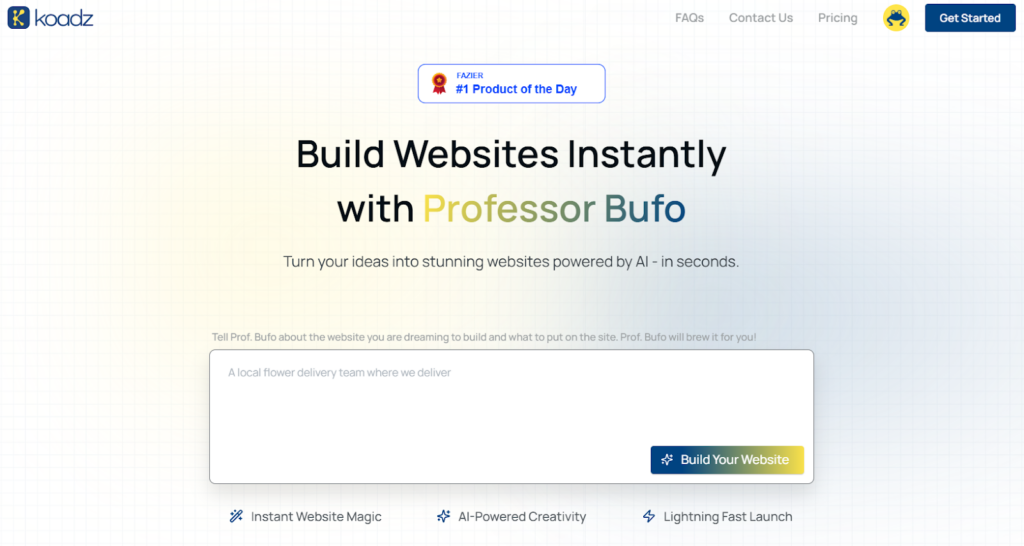
(Homepage of Koadz ai – A no coder website builder)
Your platform and hosting environment directly affect your site’s performance. Slow loading, clunky editors, and unstable servers can cause visitors to leave immediately. When your builder and hosting work together smoothly, you’ll enjoy quicker loading times and fewer technical issues.
AI-assisted tools like Koadz AI simplify this step by handling setup, hosting, and configuration automatically, allowing you to focus on your content rather than technical tasks
3. Register your domain and activate SSL
Your domain name acts as your digital home address, so it should be easy to spell, easy to remember, and aligned with your brand identity. Security is equally important. Enabling an SSL certificate (the “https” prefix) helps protect visitor data, increases user trust, and can even contribute to better search visibility. Many users immediately leave sites that do not show the secure “lock” icon, so enabling SSL is essential.
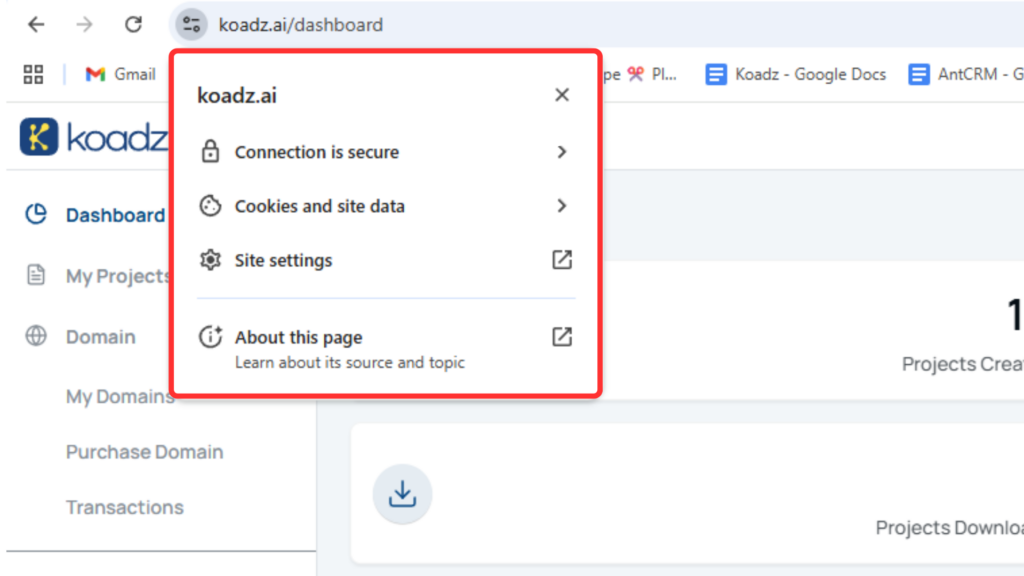
(Secure HTTPS connection enabled, showing the lock icon for user trust)
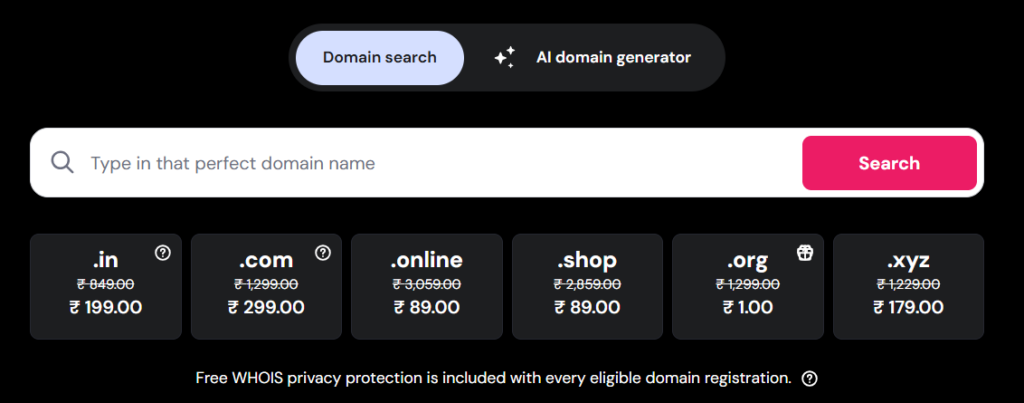
(Example of a domain search tool to check availability and pricing)
4. Map out a simple, intuitive structure
Create the key pages your visitors will expect, such as Home, About, Contact, and Services, and organize them in a clear navigation menu. Because a large portion of browsing happens on mobile devices, your layout must adapt naturally to different screen sizes. Modern site builders, including AI-powered options like Koadz, automatically generate responsive designs, ensuring a consistent experience on phones, tablets, and computers.
5. Develop a good visual identity
A consistent look helps build recognition and trust. Choose a set of brand colors, a readable font pairing, and a logo that reflects your style. Even a simple color palette – one main color, a couple of supporting tones, and a standout accent, can make your site feel coordinated and professional. Tools like Adobe Color or Coolors can help you explore color combinations, and platforms such as Koadz can apply your palette across your entire site with minimal effort.
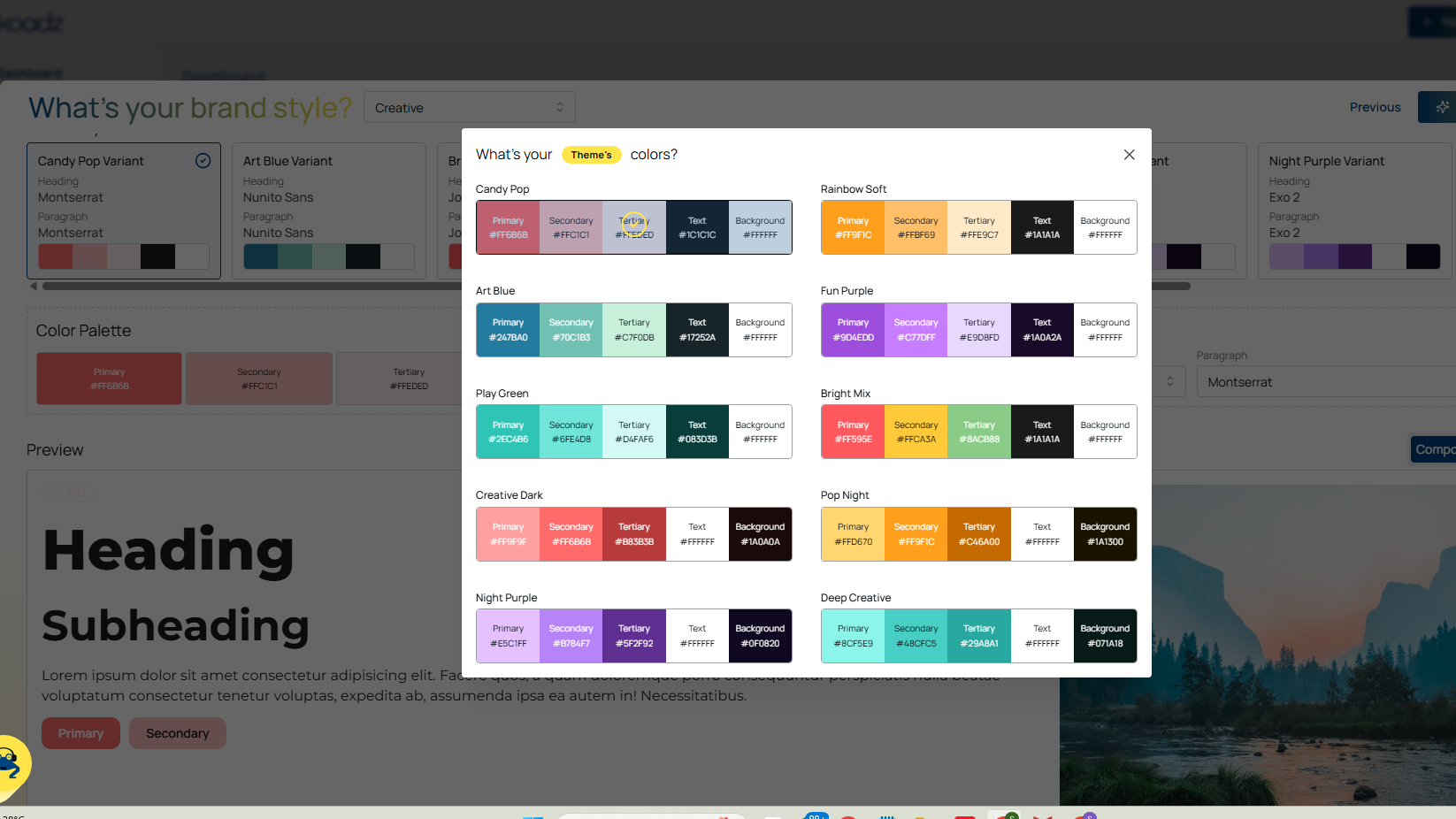
(Example of preset color palettes you can apply to your website)
6. Write clear, helpful content
Focus your writing on what your visitors want to know. Use descriptive headings, short sections, and straightforward language. Easy-to-scan pages keep people engaged longer and improve their understanding of your message. Clean, readable content also supports better SEO performance and encourages users to explore more of your site.
7. Optimize images and improve loading speed
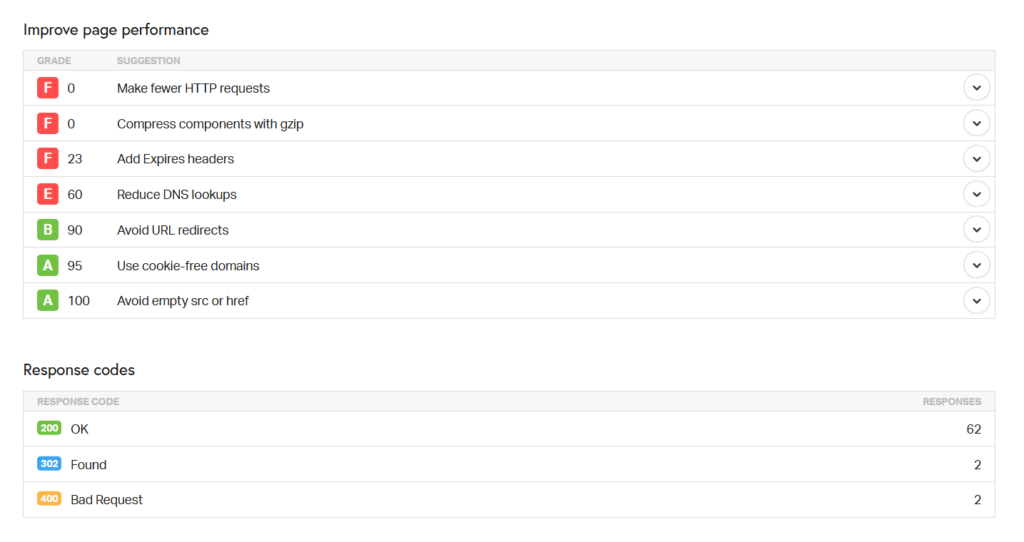
(Example of a page performance report)
Oversized images are one of the most common reasons websites load slowly. Compress photos before uploading and match their dimensions to how they appear on the page. For example, if an image displays at 800px wide, avoid uploading a version several times larger. Proper sizing and compression keep your site fast without compromising visual impact
8. Add essential on-page SEO elements
Before launching, fill in your meta titles, meta descriptions, and alt text. These elements help search engines understand your content and increase the likelihood that your pages appear in relevant search results. Using clear, action-oriented descriptions can also improve click-through rates. Some modern builders, such as Koadz AI, include built-in SEO tools that guide you through each field.
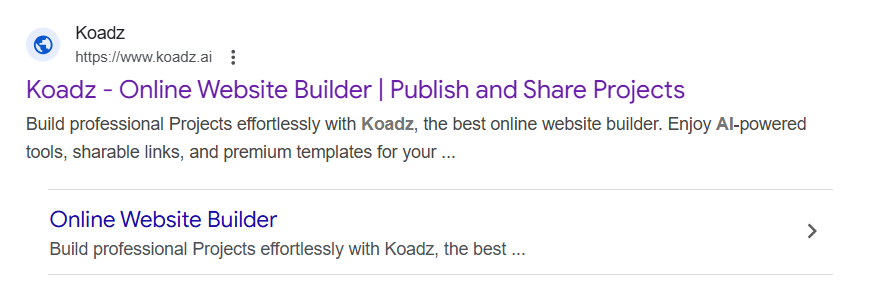
Your meta title and meta description shape how your website appears in Google search results.
9. Test your design on different devices
View your website on phones, tablets, and desktops to ensure everything adjusts properly. Check button spacing, text size, spacing between elements, and whether images scale correctly. Touch-friendly controls and readable fonts make a significant difference to mobile visitors and can determine how long they stay on your site.
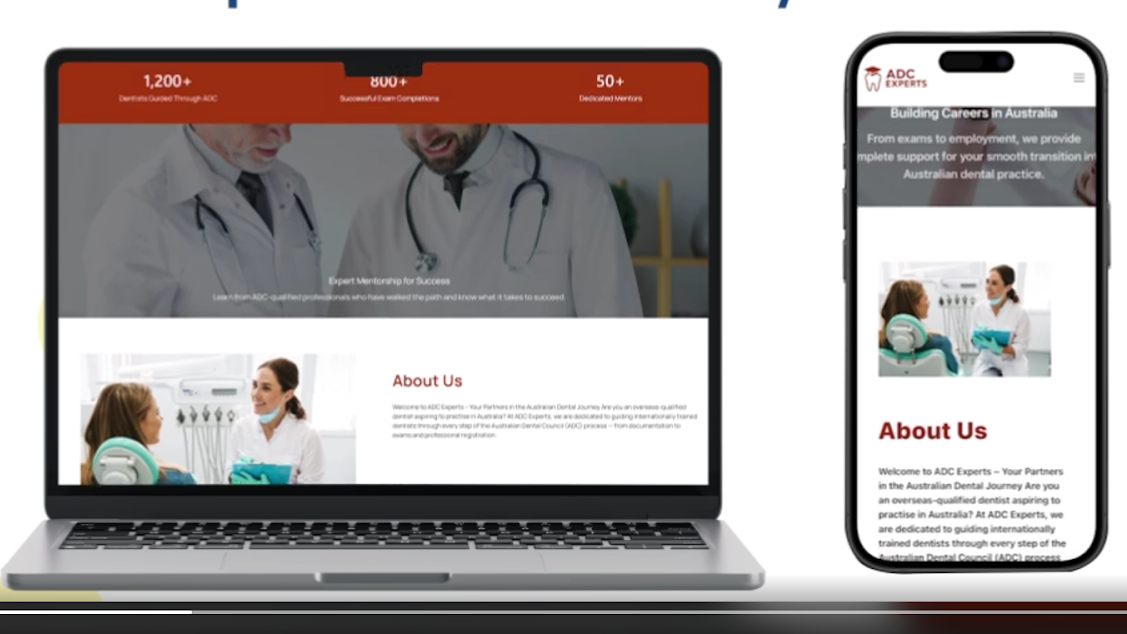
(Example of a responsive site. The same site adapts perfectly to both desktop and mobile screens)
10. Add forms and clear calls-to-action
Contact forms, signup fields, and inquiry forms help convert visitors into leads or clients. Make your primary call-to-action, such as “Get Started,” “Book a Call,” or “Request a Quote”, visible in multiple places so users don’t have to hunt for the next step. Repeating your CTA strategically increases the likelihood of engagement without overwhelming the user.
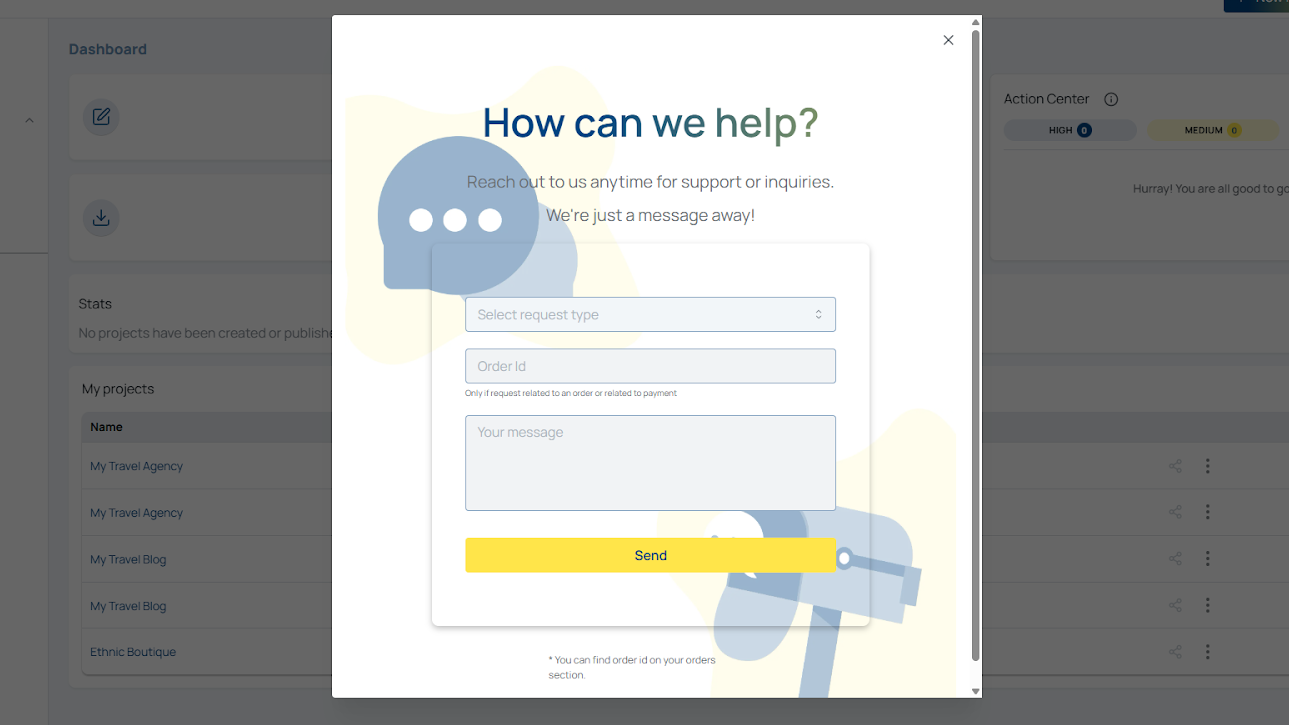
(A clean, user-friendly form that encourages visitors to submit inquiries)
11. Ensure legal pages and accessibility features are in place
Before going live, include essential legal and compliance pages such as a privacy policy, cookie notice, or terms of service. If your audience is affected by data protection laws (such as GDPR or CCPA), these pages help maintain transparency and compliance. Accessibility matters, too: proper color contrast, readable fonts, and descriptive alt text make your site usable for a wider audience.
12. Review and finalize your launch
Preparing a website doesn’t have to feel complicated. With AI-powered tools like Koadz AI, many technical tasks become straightforward, from layouts and branding to SEO and responsiveness. By following this checklist, you’ll be equipped with a website that loads quickly, looks professional, and offers visitors a secure and pleasant browsing experience. Launch confidently and give your online presence a strong start.
As long as you’ve taken the time to set things up with intention, your website is already strong enough to grow with you. Remember, great websites don’t start perfect, they start live, and get better with every update. Launch with confidence knowing you can refine, evolve, and improve as you go.