

Wix Harmony is good. Let’s just say that upfront. The AI assisted editor they rolled out actually works, and the fact that you can switch between automated generation and manual drag and drop without losing your mind is a genuine win. But “good” doesn’t mean “right for you,” and honestly, depending on what you’re building, there are tools out there that’ll serve you better.
The real question isn’t which platform won some feature comparison chart. It’s which one matches the way you actually think and work.
(AI-powered website builder interface showing a futuristic landing page design on a gradient purple background)
Koadz AI: Best for Fast AI Generated Business Websites
Most website builders give you a blank screen and a library of components. Koadz does something smarter. It asks what your business actually does, then hands you back a website. Not a wireframe. Not a mood board. A working site with pages, navigation, and real copy that reflects what you told it.
Why does that matter? Because the blank screen kills more website projects than anything else. Founders get stuck deciding between layouts before they’ve written a single word of content. Koadz skips that entirely. You show up to edit, not to build from scratch.
It’s not for everyone. If you want obsessive design control, look elsewhere. But if you’re a consultant, a local business owner, or a founder who just needs something live while you focus on everything else that’s on fire, this is the tool that gets you there without the drama.
If you’re still figuring out the basics before you build, the Beginner Website Checklist: 12 Things to Prepare Before You Launch is worth a read before you pick any platform
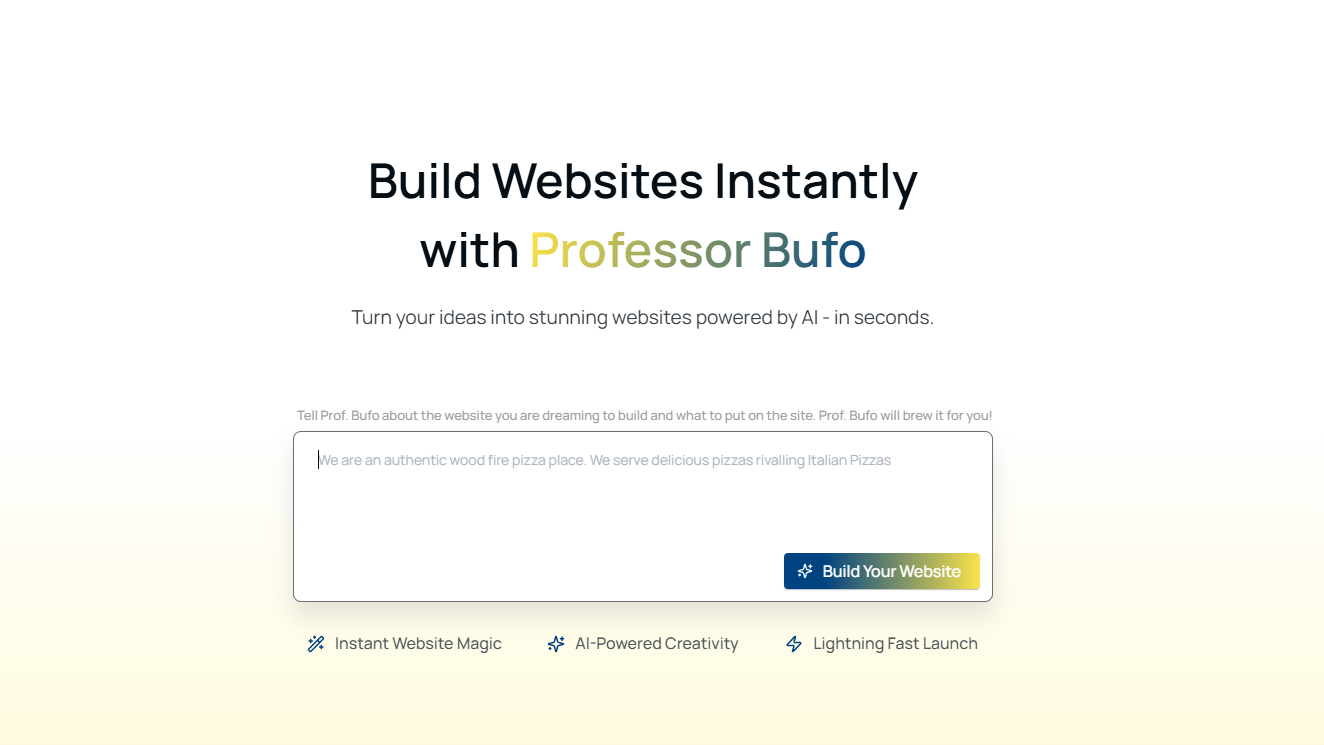
(With Koadz, your business website goes from idea to live in seconds)
Squarespace: Best for Design Led Brands and Creatives
There’s a reason photographers and boutique brands keep coming back to Squarespace. The templates don’t just look good, they look cohesive. Fonts, spacing, color, proportions, everything plays together in a way that takes real effort to replicate elsewhere. For businesses where the website is the first impression, that polish matters.
The platform bundles in solid blogging, ecommerce, and SEO without needing third party plugins for the basics. Clean, reliable, consistently well maintained. The honest downside is that it’s not trying to be a blank canvas. The moment you want a layout that falls outside what the templates were designed for, you’ll start feeling the guardrails. Not a dealbreaker for most people, but worth knowing going in.
Design consistency goes beyond templates. The 2026 Guide to Brand Image Consistency Across Your Website breaks down what that actually looks like in practice.
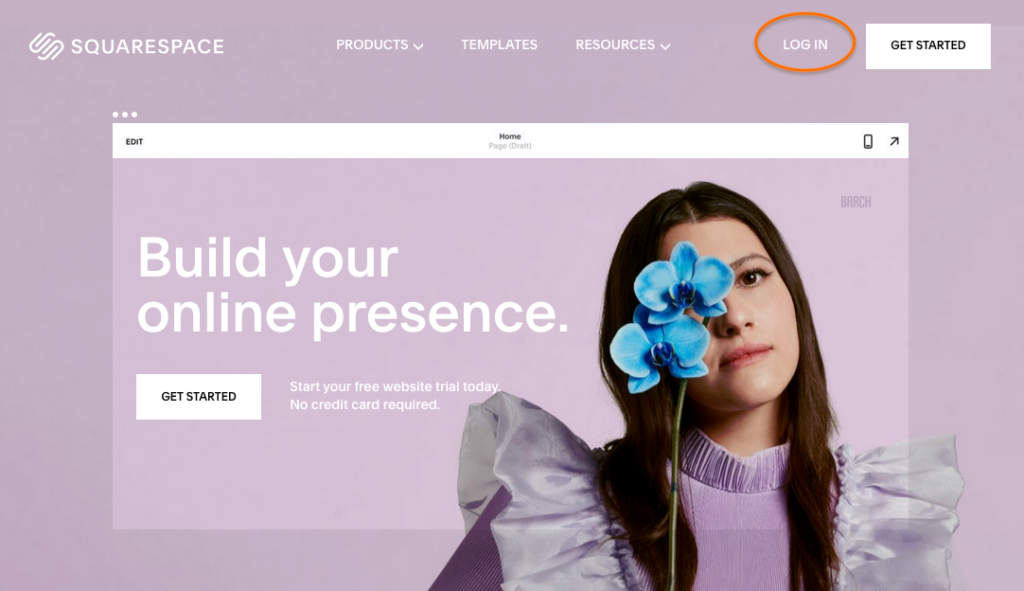
(Squarespace website builder homepage showing ‘Build your online presence’)
Webflow: Best for Designers Who Want Full Control
Webflow is what happens when you hand a designer the keys to a production environment. No code required, but you’ll need to understand how layout actually works, including flexbox, responsive behavior, and the logic behind CSS, before it clicks. Once it does, the level of control is genuinely hard to beat.
The CMS handles complex content well. The output is clean and fast. It scales nicely for ambitious marketing sites and editorial projects. The tradeoff is time. Webflow sites take longer to build, and if you’re not already comfortable with design systems, the learning curve will cost you weeks. It’s a professional tool built for professionals, great for agencies and senior designers, and probably overkill for anyone just trying to launch a five page site.
If control over performance matters to you, Mobile First Design: Why It’s the Only Approach That Works in 2025 is directly relevant to how Webflow gets used in the real world.
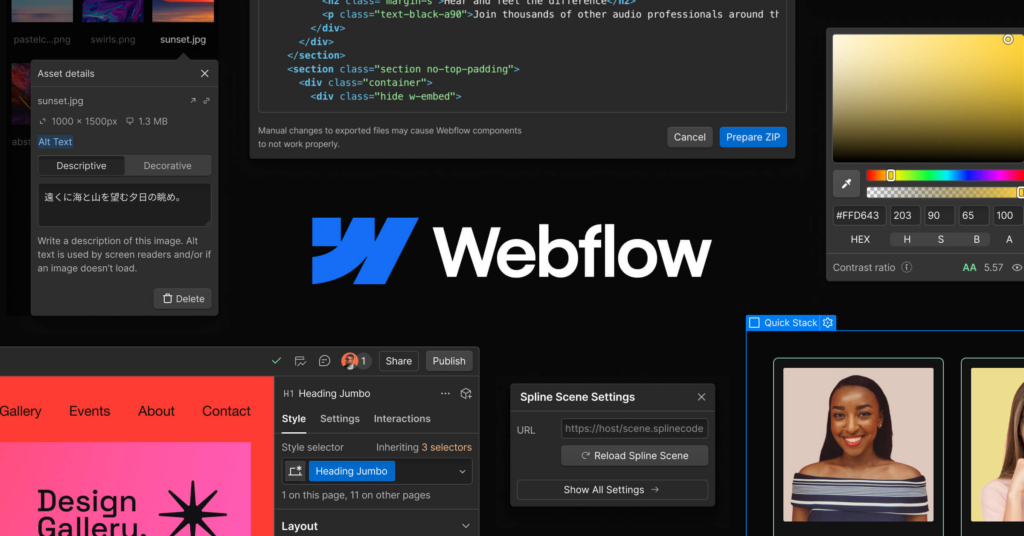
(Webflow website builder interface showing visual editor panels, design tools, and layout controls)
WordPress.com: Best for Content Heavy and Scalable Sites
WordPress isn’t glamorous, but it’s been the backbone of the internet for a reason. The plugin ecosystem is enormous, covering ecommerce, memberships, advanced SEO, payment gateways, forums, and the combination of flexibility and longevity is hard to argue with if you’re building something meant to grow.
That said, flexibility has a cost. WordPress asks more of you than any AI builder will. Plugins need updates. Configurations pile up. Getting everything working together the way you want takes real time. It’s a serious tool for serious projects, not the move if you’re trying to be live by Thursday.
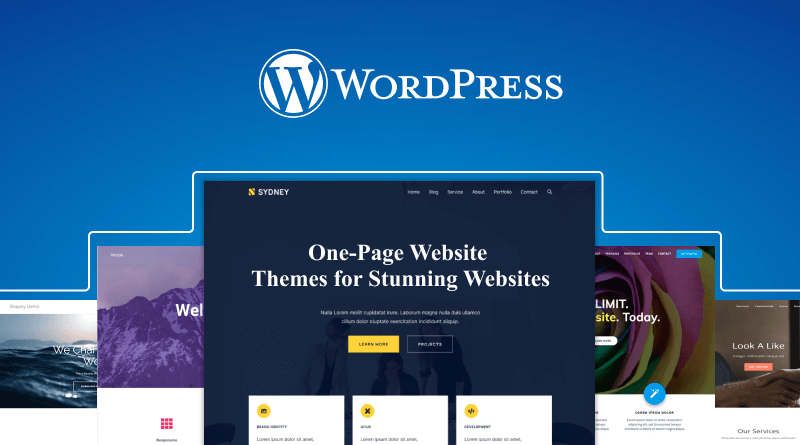
(WordPress website platform showcasing multiple website themes and the WordPress logo on a blue background)
Quick Comparison
Speed with minimal setup? Koadz. Brand presentation that needs to look genuinely polished? Squarespace. Deep design control for experienced builders? Webflow. Long term scalability and a content heavy operation? WordPress. Each one is the right answer, just for different people.
Final Takeaway
Wix Harmony does what it promises. But the better question to ask yourself isn’t which platform is the most powerful. It’s which platform will you actually ship something with. For a lot of people in 2026, the answer is whichever one gets them out of planning mode the fastest, because a live, imperfect website beats a perfect one that never launches every single time.
Can AI Website Builders Create Professional Websites in 2026?
Yes, but with an asterisk worth understanding.
The AI doesn’t make a site look professional on its own. What actually drives that is structure, mobile responsiveness, visual consistency, load speed, and the ability to refine things after you hit publish. When a platform handles those fundamentals well, AI generated output can hold up against sites that took an agency three months to build.
Where these tools still fall short is in genuinely custom territory, like interactive experiences, complex web apps, or brands that need something architecturally unique. For those projects, you still want a developer or a tool like Webflow where you can get into the details manually.
And if you want your site to get found not just by people but by AI tools too, How Businesses Can Show Up in AI Answers in 2026 is the next logical read
But that’s a specific use case. For the startup that needs to validate an offer, the freelancer putting up a services page, the local shop finally going digital, AI builders remove the thing that actually stops most of these projects: the cost and complexity of starting.
What nobody talks about enough is what fast launching actually does for you. It’s not just a time thing. When you launch in a week instead of three months, you get real user behavior, real feedback, real signal. You can make a decision based on something that happened, not something you projected. That loop of launching, learning, and adjusting compounds quickly. Two or three cycles of that and you’ve got something most competitors are still planning.
The tools worth betting on aren’t the ones with the most features. They’re the ones that get you to a real, live website without burning you out in the process, and then stay out of the way while you make it better. In a crowded market, the biggest risk isn’t shipping something rough. It’s spending so long perfecting it that nobody ever sees it.